Placeholder intro. Short settings guides like this one skip the gear box and stay under a minute to read.
Home · How-To · Samsung / One UI
How-To · Samsung / One UI · Example guideExample: How to customize your Samsung lock screen
Example guide — shows how a short settings walkthrough is laid out. Sample text only, not tested instructions.
Example guide. This page shows the How-To layout. The steps are sample text, not Josh’s instructions, and haven’t been tested on a device. Josh writes and checks the real guides before they’re published.
DifficultyEasy
Time5 min
Steps3
Tested onExample device · example software version
Steps
Step 1: Example step — open the lock screen editor
Sample text. The real step names the exact menu path, like Settings, then the menu, then the option.
Step 2: Example step — change the clock style
Sample text. A real step would say what each option does and which one Josh uses.
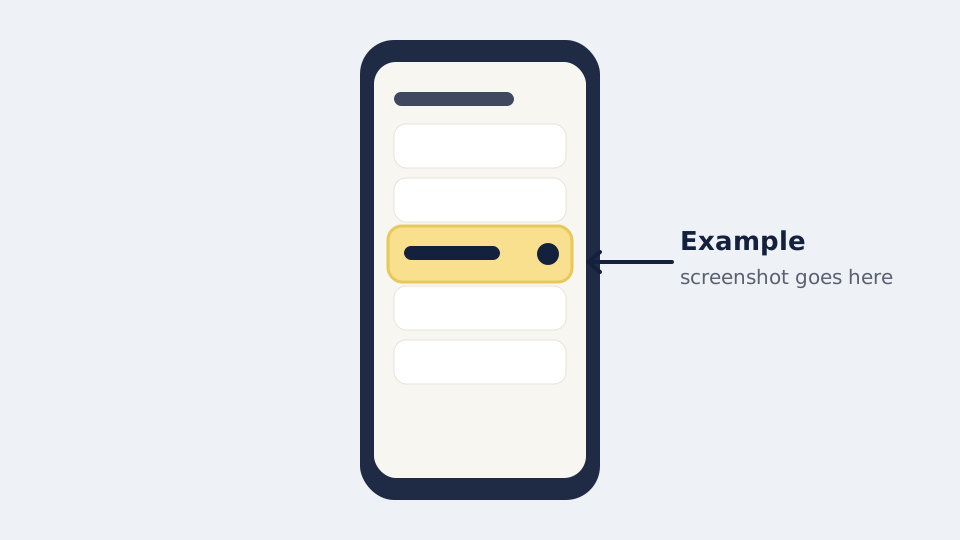
Step 3: Example step — pick your shortcuts and widgets
Sample text. One short sentence on what to pick and why.
Related video
 8:54
Stuck on a step? Ask in the comments of the related video and I’ll try to help.
Subscribe on YouTube