Placeholder intro. Accessory guides end with a gear box so readers can grab the exact product used, through Josh’s affiliate links.
Home · How-To · Accessories
How-To · Accessories · Example guideExample: How to pair wireless earbuds or headphones with a Windows PC
Example guide — shows how an accessory pairing walkthrough is laid out, with a gear box. Sample text only.
Example guide. This page shows the How-To layout. The steps are sample text, not Josh’s instructions, and haven’t been tested on a device. Josh writes and checks the real guides before they’re published.
DifficultyMedium
Time10 min
Steps4
Tested onExample headphones · example laptop
Steps
Step 1: Example step — put your earbuds in pairing mode
Sample text. A real step explains how to tell pairing mode is on, like a blinking light or a sound.
Step 2: Example step — add the device on your PC
Sample text. The real step lists the menu path on the PC and what to click.
Step 3: Example step — pick the right audio output
Sample text. A real step covers switching the output so sound actually plays through the earbuds.
Step 4: Example step — fix it if it won't connect
Sample text. Two or three quick fixes, in the order to try them.
Quick checklist
Tick things off as you go. Your checks stay on this device.
Related video
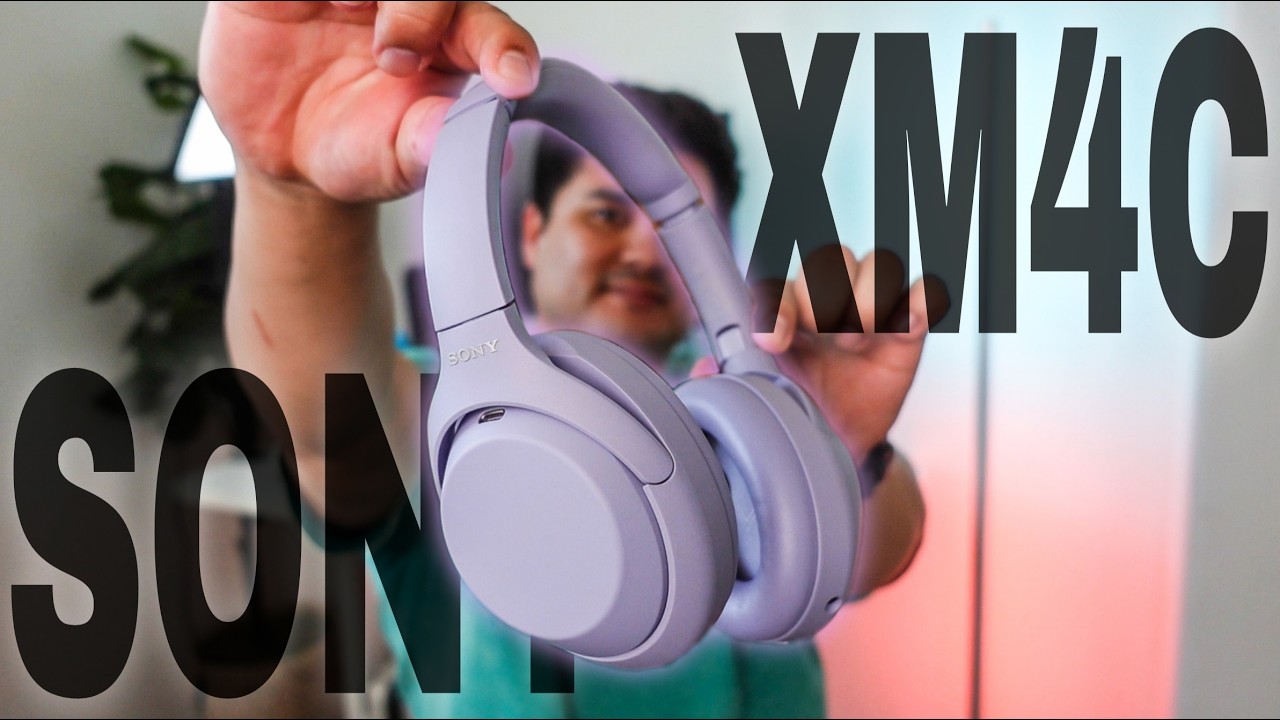 15:10
Gear for this guide
Example box — placeholder products and prices, not real offers.
Wireless earbuds (example)
Placeholder product · Example store
$XXX
USB Bluetooth adapter (example)
Placeholder product, for PCs without Bluetooth · Example store
$XX
Affiliate disclosure: links in this box may be affiliate links. Buying through them can earn me a commission at no extra cost to you.
Stuck on a step? Ask in the comments of the related video and I’ll try to help.
Subscribe on YouTube