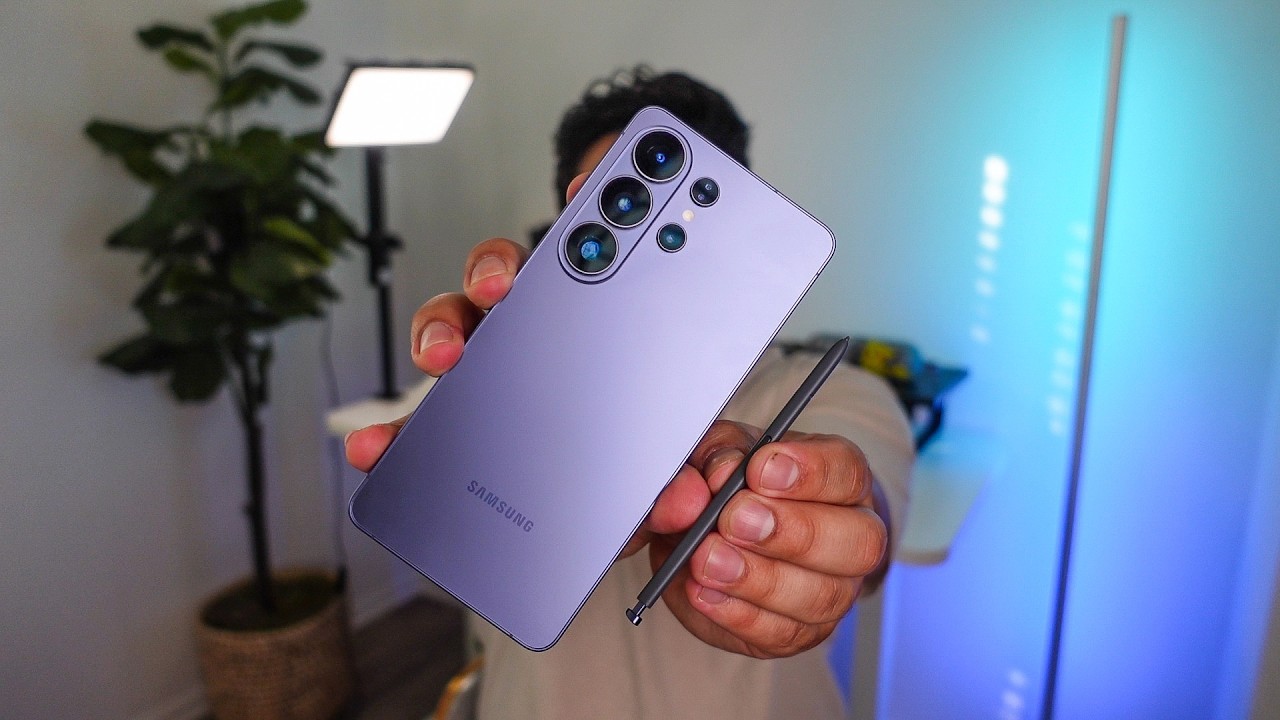
Placeholder intro. A real guide opens with two or three sentences: who it’s for, what you’ll have at the end, and which phones it applies to. The related video below is real; the steps on this page are layout examples.
Example: How to set up a new Galaxy foldable, start to finish
Example guide — shows how a first-day setup walkthrough is laid out. Sample text only, not tested instructions.
Example guide. This page shows the How-To layout. The steps are sample text, not Josh’s instructions, and haven’t been tested on a device. Josh writes and checks the real guides before they’re published.
DifficultyEasy
Time20 min
Steps4
Tested onExample device · example software version
Steps
Step 1: Example step — power on and pick your language
Sample text. Each step is one short action with the exact button names in bold in the real guide.
Step 2: Example step — copy data from your old phone
Sample text. A real step would say which transfer option to choose and roughly how long it takes.
Step 3: Example step — set up the cover screen and main screen
Sample text. Foldable guides get a step for each screen, since they're set up separately.
Step 4: Example step — turn on the settings worth changing on day one
Sample text. A short list of settings worth changing on day one would go here.
Quick checklist
Tick things off as you go. Your checks stay on this device.
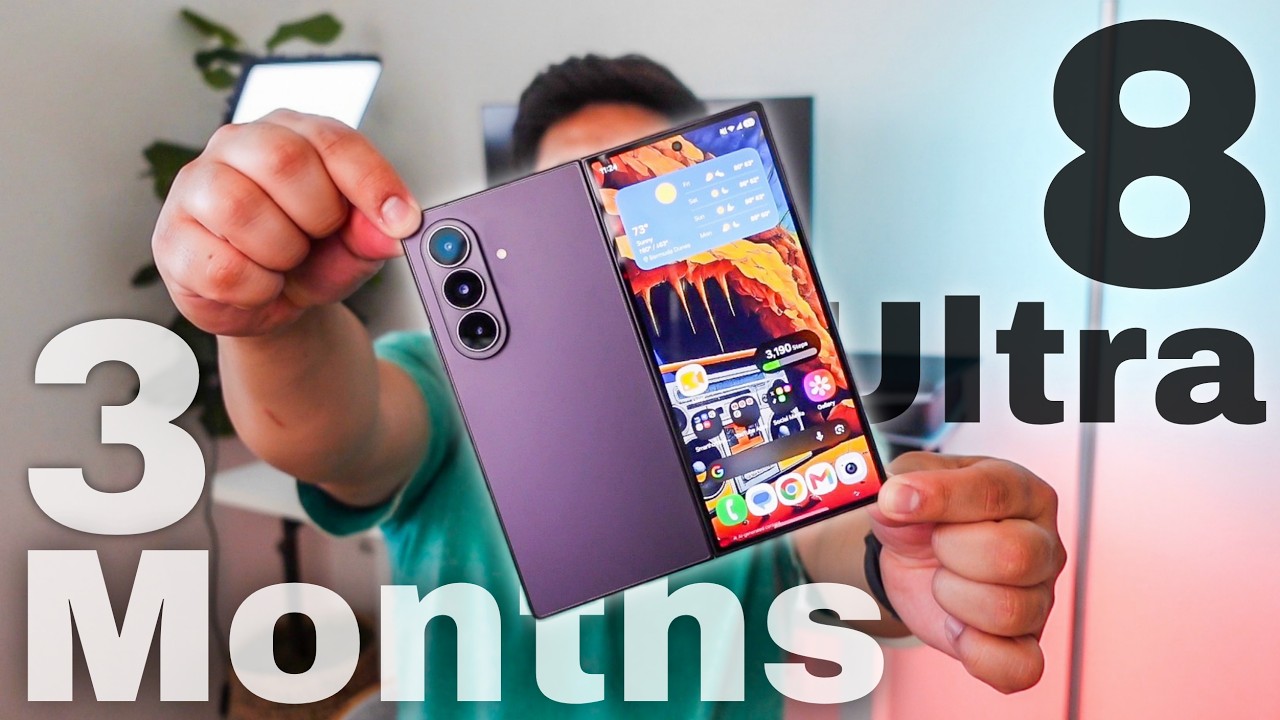
Related video
 15:58
Gear for this guide
Example box — placeholder products and prices, not real offers.
Foldable case (example)
Placeholder product · Example store
$XX
Fast charger (example)
Placeholder product · Example store
$XX
Affiliate disclosure: links in this box may be affiliate links. Buying through them can earn me a commission at no extra cost to you.
Stuck on a step? Ask in the comments of the related video and I’ll try to help.
Subscribe on YouTube